Business process automation for small business usually starts with the wrong question. Owners ask which software to buy, when the real question is which process is actually costing time and money. At Nexus 360, we work with SME owners across the UK to answer that question properly before any system gets configured.
Our founder, Mark Shevill, spent over 25 years managing large-scale delivery for organisations including RBS and Thomas Cook. We apply the same discipline to smaller businesses, connecting the parts of the operation that usually run in isolation, so a change in one area does not create a new problem somewhere else. You can read more about our background on the Nexus 360 about page.
This guide covers what business process automation looks like for a small business, the order to tackle it in, and what makes it stick once it is in place, rather than quietly reverting to the old way within a few months.
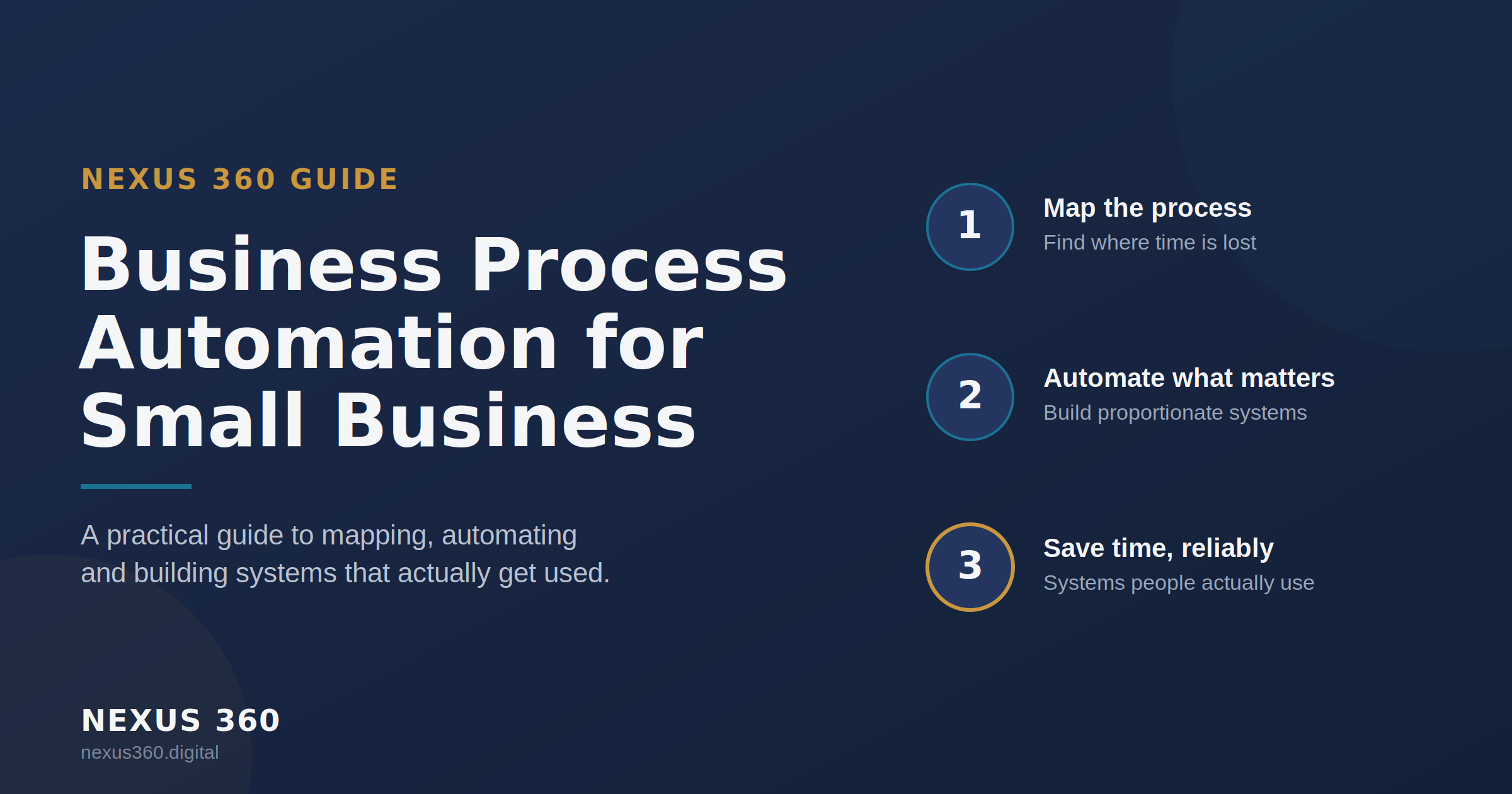
What business process automation actually means for a small business
Automation for a small business doesn’t look like the enterprise software many guides describe. It looks like a lead follow-up that would normally sit in someone’s inbox for three days now happening within minutes. It looks like a quote that used to require five manual steps across two systems now updating itself.
For one client, this meant connecting their CRM directly to Sage, so quotes sync automatically and the sales team can target campaigns by product category without touching a spreadsheet. For a restaurant client, it meant building a system where an AI answers the phone if nobody picks up within three rings, takes the booking, and updates the till and EPOS booking and payment system without a member of staff needing to stop what they are doing.
Both needed the right process identified first, and the right, proportionate system built around it. That is the difference between automation that gets adopted and automation that becomes another piece of software nobody uses. You can see the full range of what this covers on our Automation & Workflow page.
Why you have to map the process before you automate it
Automating a process before understanding it just makes the mistakes happen faster. A form that takes too long to fill in does not improve because it is now digital. A follow-up that gets forgotten does not improve because it is now triggered by software, if the underlying step was never clearly defined in the first place.
This is why every engagement starts with understanding exactly how a business runs today, not what software it should buy. For a mobile car repair company, that meant identifying that staff were manually typing vehicle details from a registration plate dozens of times a week. Once that step was mapped, the fix was simple: a digital business card that opens a form, where entering the registration auto-populates the full vehicle record from the DVLA.
Mapping the process first is what turns automation into time saved, rather than a new tool bolted onto an old habit. You can read more about how we approach this on our approach page.
Three levels of automation we build for small business
Business process automation for small business tends to fall into three levels, and most businesses need a mix of all three rather than the most advanced option available.
Simple, trigger-based automation
TA new lead arrives, and a follow-up sequence starts. An invoice gets paid, and the record updates. This is the entry point, and for many small businesses it removes the majority of daily admin on its own.
Cross-system automation
Data needs to move reliably between two or more systems that were never designed to talk to each other. The HR handbook system we built for one client is a good example: whenever a relevant government policy changes, the handbook rebuilds itself automatically, rather than someone remembering to check and update it manually.
AI-driven, customer-facing automation
This is where a system needs to make a judgement, not just follow a fixed rule. The restaurant phone system falls here, answering, understanding the request, and completing the booking without a script running through fixed menu options
What makes automation reliable once it is live
The most common reason automation fails is not the technology. It is a system built without clear rules for what should happen in every situation, including the situations nobody thought about at the start.
When we build a CRM & Client Journey, the logic behind every automatic step is documented and agreed before it goes live, not worked out after something breaks. This is the same discipline behind the NFC coaster payment system we built for charity donations: every step, from tap to confirmation, has a defined outcome, including what happens if a payment fails partway through. Reliability is a design decision made early, not a fix applied later.
Applying these standards directly impacts your bottom line. We document many of these technical builds and the logic behind them on the Nexus 360 Blog, sharing insights from real work designing systems and improving the way businesses operate.
What this saves a small business
Removing manual work has a direct effect on margin, not just on how busy someone feels. A restaurant that stops losing bookings to unanswered calls keeps revenue it was previously losing every week. A sales team that stops manually re-entering vehicle or invoice data gets those hours back for actual selling.
We built the systems described in this guide for real clients, not as demonstrations. The outcome we aim for every time is straightforward: less manual work, fewer things depending on one person remembering to do them, and a system the business can see is worth what it cost.
We focus on building systems that deliver a clear return on investment. Whether we are setting up bespoke integrations or deploying the core Nexus 360 Platform, the goal is always to improve profit margins through efficiency. To achieve this, you need a strategic partner who understands both technology and business growth.
How Nexus 360 approaches business process automation
We sit alongside your business to implement change at a pace your organisation can absorb. Too much change too quickly, or a system that never demonstrates its return, is why automation projects stall or get abandoned. Our proprietary methodology provides a structured sequence for scaling. We call this The Growth Equation, an 8-page strategic framework that guides our entire consulting process. We integrate complex platforms and build bespoke solutions that connect your different departments supporting SMEs across multiple sectors, ranging from automotive and finance to education and hospitality.
Every engagement follows the same sequence: understand where the business is today, design the roadmap, then build and deliver it. Automation is one part of that roadmap, alongside Operational Infrastructure and Digital Engagement, built to work together rather than as separate projects. You can see the what we cover on our solutions page.
Frequently asked questions
What is the first step in automating a business?
Map the process before you touch any software. Identify exactly where time is being lost and why, since automating a badly defined process only makes the underlying problem faster, not better.
How much does business process automation cost for a small business?
It depends entirely on scope, from a single automated workflow through to a fully embedded system covering CRM, client journey and reporting. The right starting point is identifying which process is costing the most time, then scoping the fix to match.
Do I need to replace my existing systems to automate?
Usually not. Most of the work we do connects systems that already exist, such as a CRM and an accounting platform, rather than replacing either one.
Can a small business get the same benefit as a large enterprise from automation?
Yes. The scale is different, but the principle is identical: remove manual, repetitive work and replace it with something reliable. A small business often sees the benefit faster, since the same person is usually doing the manual task and running the business.
Business process automation for small business is not about buying the most advanced software available. It is about identifying exactly where manual work is costing time and money, and building a proportionate system around that specific problem, at a pace the business can absorb. That is the approach behind every example in this guide, and it is the same approach we bring to every engagement.